
Pixel to Tailwind Converter | Fast Px to Class Tool
Bridging the gap between pixel-perfect design and utility-first CSS has never been easier. Whether you are translating a Figma mockup, converting a legacy CSS codebase, or just trying to find the right spacing, our Pixel to Tailwind CSS Class Converter takes the guesswork out of finding the perfect utility class.
Simply enter your pixel (px) value, and we will instantly generate the exact or closest matching Tailwind class value for padding, margin, width, height, and typography!
Need to go the other way? Check out our Tailwind to Pixel Converter to translate utility classes back into exact measurements.
How to Convert Pixels to Tailwind Classes
Tailwind CSS relies on a specific scale for spacing and sizing. By default, 1 Tailwind unit equals 0.25rem (or 4px), assuming the default browser font size of 16px.
Using our px to Tailwind converter is simple:
-
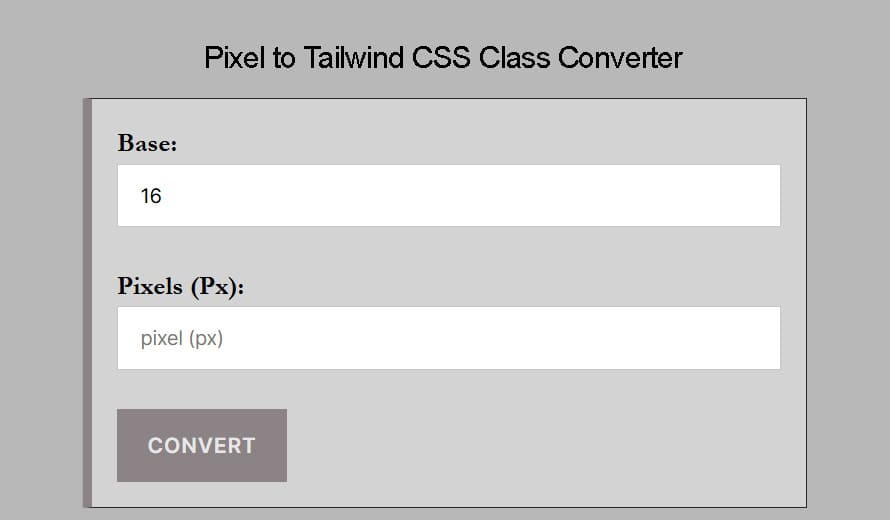
Set your Root size: The default root font size is 16px.
-
Enter your Pixel (px) value: Input the exact pixel measurement from your design (e.g., 24px).
-
Get your Tailwind Class: The tool instantly gives you the Tailwind equivalent (e.g.,
6, which translates to classes likep-6,m-6,w-6,h-6, ortext-2xl).
Why Use a Px to Tailwind Converter?
When building modern web applications, developers often receive designs in exact pixels from software like Figma, Adobe XD, or Sketch. Translating these hard pixel values into Tailwind’s proportional utility scale can slow down your workflow.
This calculator helps you:
-
Speed up development: Stop doing mental math (
px ÷ 4) and get the correct utility class instantly. -
Maintain design consistency: Ensure your layouts strictly adhere to the Tailwind CSS spacing system.
-
Improve code quality: Transition away from arbitrary values (like
w-[31px]) and use standard, reusable Tailwind classes.
Common Pixel to Tailwind Conversions
Here is a quick cheat sheet for some of the most common spacing and sizing conversions based on the default 16px root size:
| Pixel | Tailwind Unit |
|---|---|
| 4 px | 1 |
| 8 px | 2 |
| 16 px | 4 |
| 24 px | 6 |
| 32 px | 8 |
| 48 px | 12 |
| 64 px | 16 |
Frequently Asked Questions (FAQs)
How many pixels is a Tailwind unit?
By default, 1 Tailwind spacing unit is equal to 4 pixels (or 0.25rem). Therefore, a class like p-4 applies 16px of padding.
What if my pixel value doesn’t match a Tailwind class exactly?
Our converter will output the closest default Tailwind scale value. If you strictly need an exact, non-standard measurement, you can use Tailwind’s arbitrary value syntax, such as w-[17px].
Can I use this for font sizes (Text)?
Yes! Tailwind’s typography scale is slightly different than its spacing scale, but you can map pixel values to text utilities like text-sm (14px), text-base (16px), text-lg (18px), and text-xl (20px).
How do I convert Figma designs to Tailwind CSS?
Simply inspect the elements in Figma, note the padding, margins, width, and height in pixels, and input them into our converter to find the corresponding Tailwind CSS utility classes.